View Single Post
Old 11-29-2005, 09:38 PM   #5 (permalink)
MediaHound
Tally-Man

 
MediaHound's Avatar
 
Location: Florida
Zone: 10
Name: Jarred
Join Date: Jul 2005
Posts: 5,281
BananaBucks : 2,606,088
Feedback: 66 / 100%
Said "Thanks" 3,895 Times
Was Thanked 5,125 Times in 1,365 Posts
Said "Welcome to Bananas" 2,089 Times
Default Re: How to post images in your threads

Mike,
Unfortunately, you can't specify image dimensions when posting pictures.
The images will only show up in their native dimensions.
HOWEVER, the good news is that our photo gallery will do some resizing for you. The site will A) create a thumbnail of your image, B) resize it so it shows on the screen without overlapping when people view the gallery, and C) save it in its regular size, the way it was uploaded.

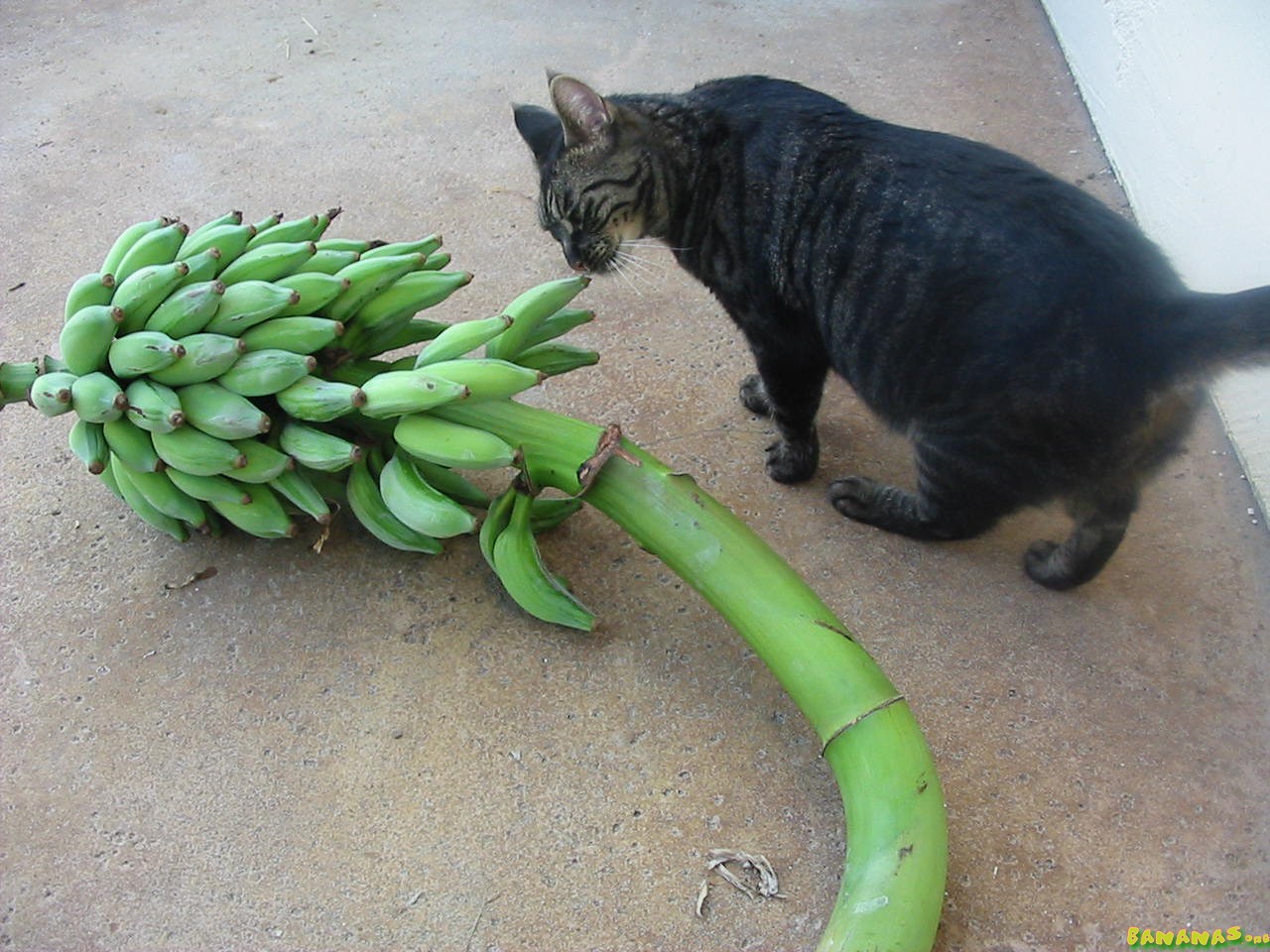
I saved your picture to my hard drive, then uploaded it to your gallery. Here's what we have now:




__________________
Apologies in advance if I am slow to reply to your PM. I suggest posting in the forums for support if you need something urgent.
MediaHound is offline   Reply With Quote Send A Private Message To MediaHound
Said thanks:
Sponsors